Products, Stock income, POS, Buttonpanel designer
Products

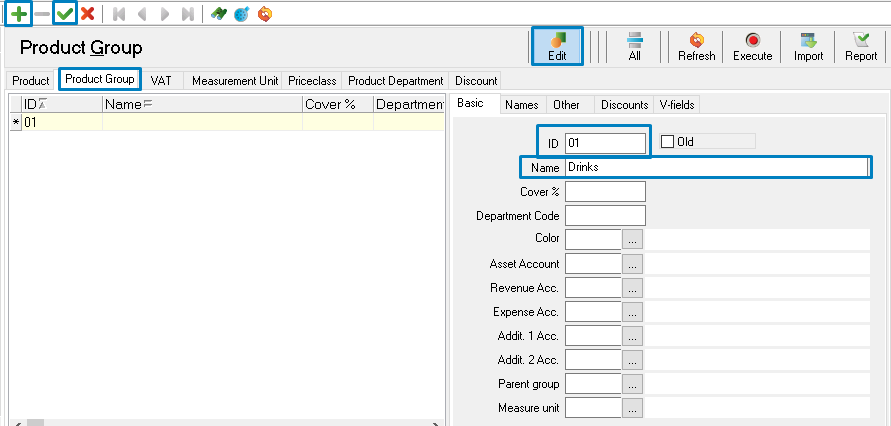
Product Groups
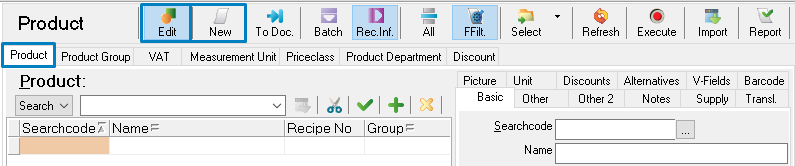
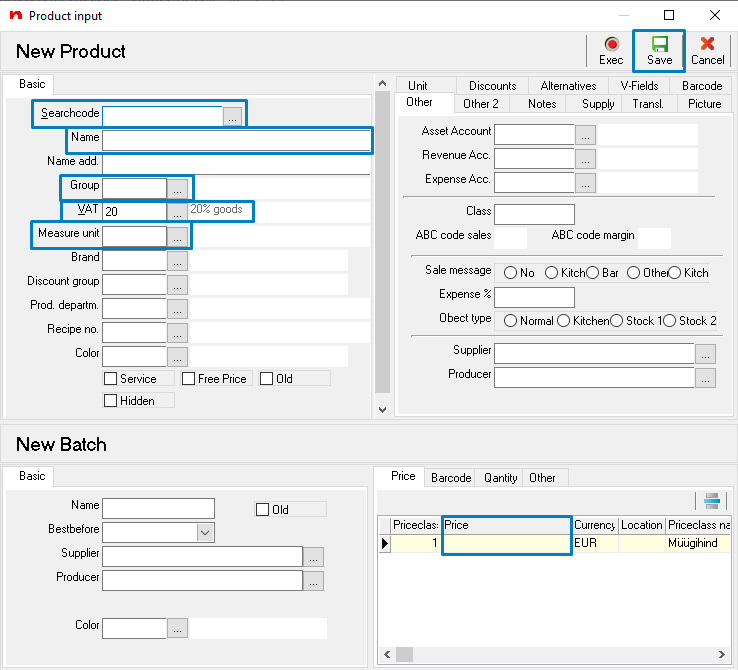
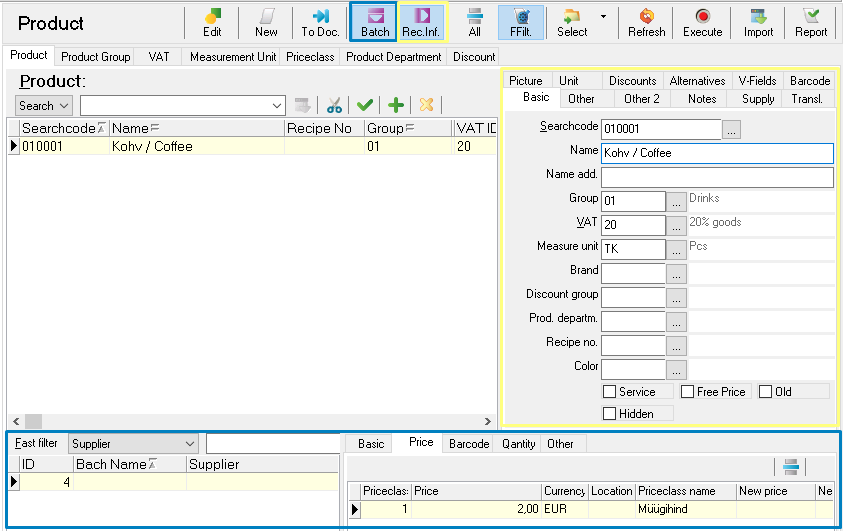
New product
Stock income (from suppliers)
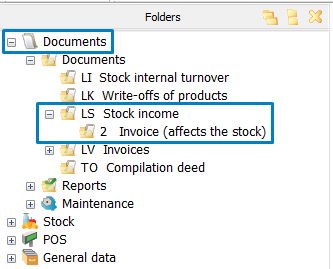

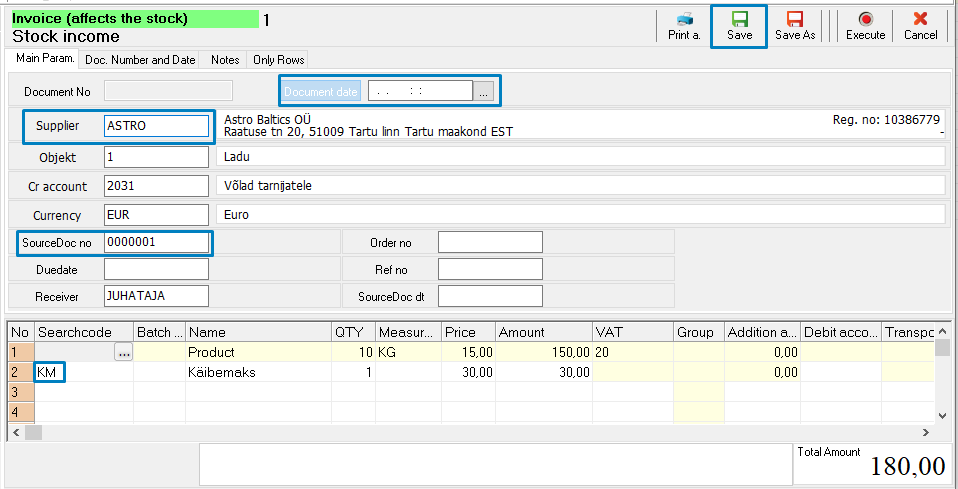
KM - calculates VAT
Total amount has to be the same with the total amount of the source document. If it differs, it is possible to use Searchcodes YM (Rounding) and AH (Discount).
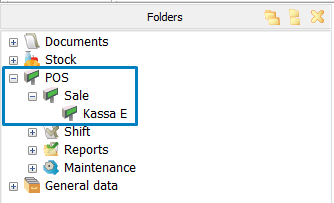
POS (Point of Sale)
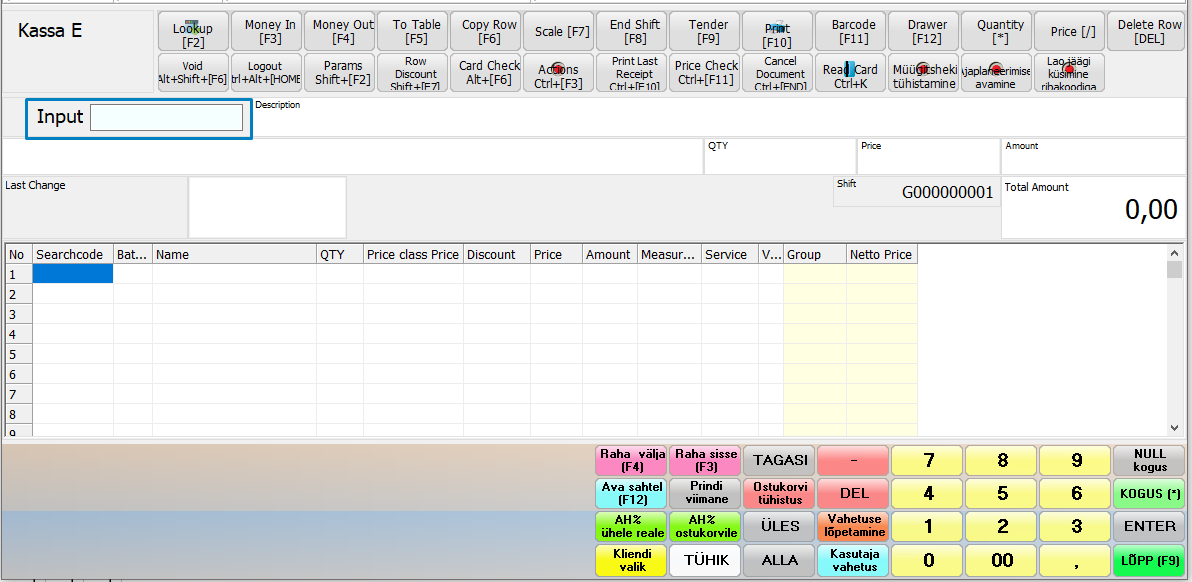
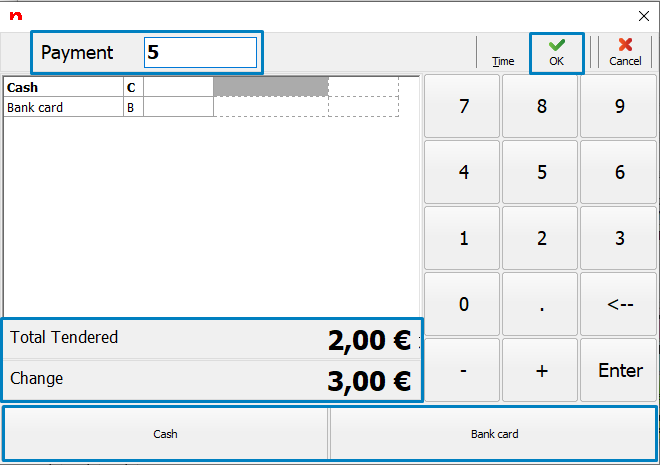
Hot keys
* | Change quantity |
F2 | Select product |
F3 | Money in |
F4 | Money out |
F5 | To table/open tables |
F6 | Copy row |
F8 | End Shift |
F9, End | End Sale / Open Payment Window |
F10 | Print receipt (doesn't generate an invoice) |
F12 | Open drawer |
Shift+F7 | Discount to the active row (enter discount % to the Input field first) |
Ctrl+F7 | Discount to the whole document (enter discount % to the Input field first) |
Shift + F5 | Split row quantity |
Ctrl + F5 | Split receipt (add part of it to another table) |
Ctrl+F10 | Print last receipt (copy) |
Ctrl+Alt+F11 | Show main button panel |
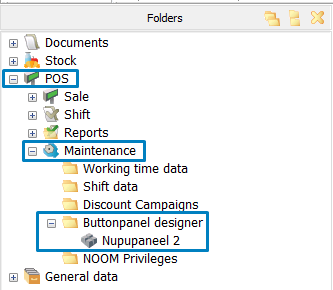
Buttonpanel designer
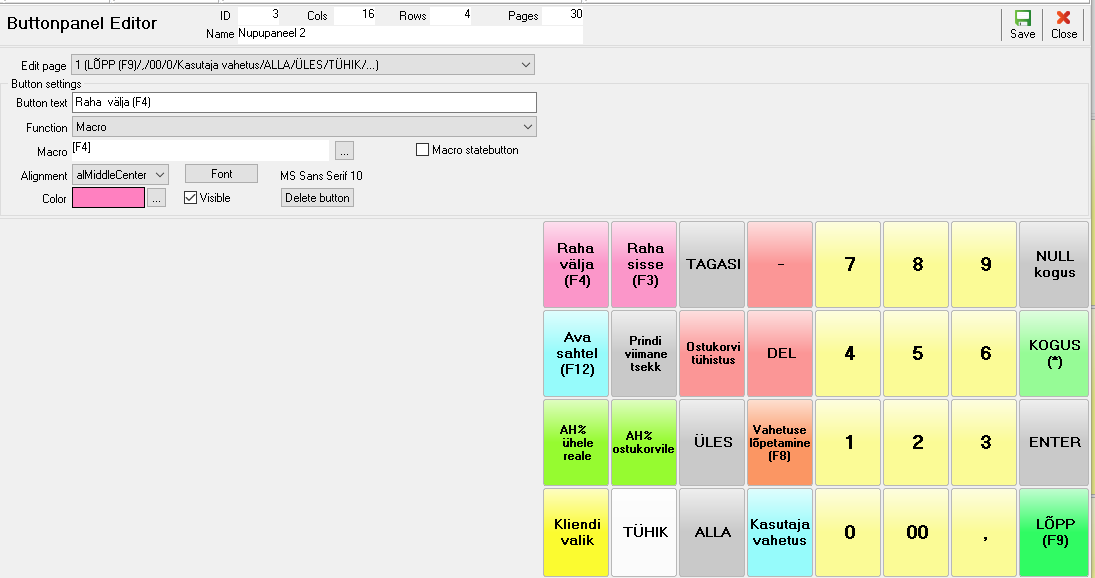
Click on empty space to add a new button.
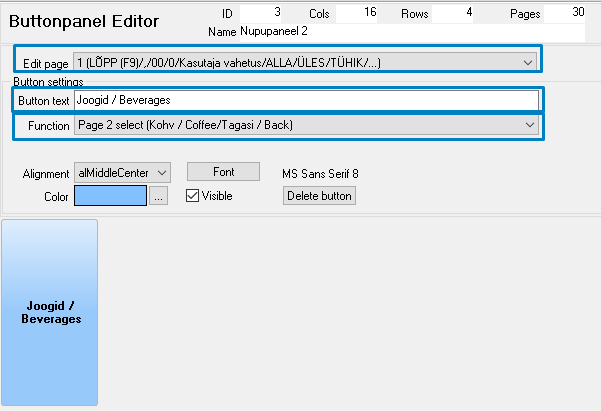
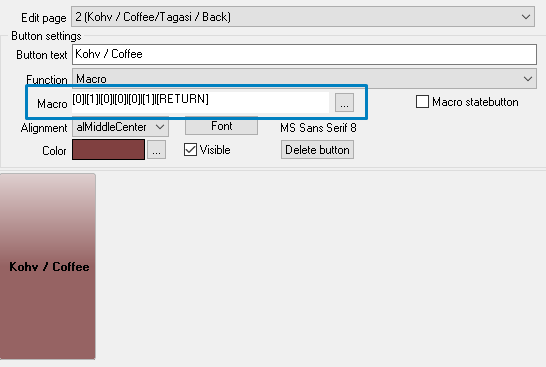
Macro - Product Searchcode + Enter